





Be first to know about the latest news and get exclusive offers.
For the latest app and user manual downloads, please visit Download Center. >
Potensic ATOM 2 Firmware Update: What’s New
Sep 25,2025
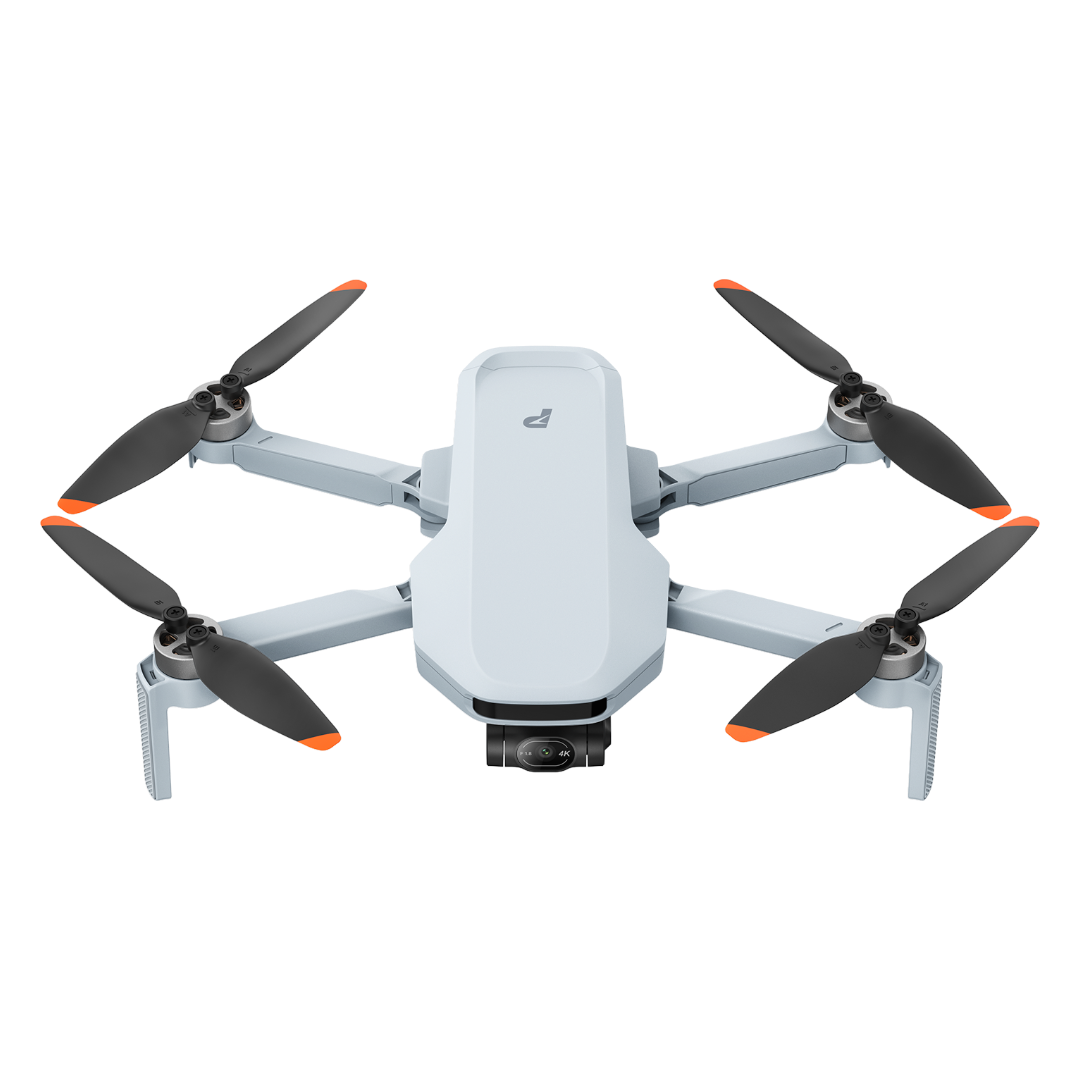
The Potensic ATOM 2 continues to evolve with the release of Firmware Update V020. This update brings exciting new features and important optimizations designed to enhance your flying and filming experience. Let’s take a closer look at what’s new.
01. Added P-LOG Mode
The new P-LOG mode delivers enhanced visual detail, richer colors, and greater editing flexibility. With a higher dynamic range, your footage now offers more room for creative grading in post-production.

P-LOG preserves more highlight and shadow details, giving you a cinematic edge.

02. Optimized Unit Display
Units are now displayed more clearly, providing a smoother experience for pilots worldwide.

03. Optimized Interface Display
The interface has been refined for a cleaner and more user-friendly layout, making flight adjustments simpler and faster.

04. Optimized User Guidance
Several improvements make the app easier to navigate:
Online Support moved to Home Page for faster access.
Photo Frame Setting Guidance for better framing.
Download Prompt in Spherical Panorama Preview for quick saving.

05. Custom Stick Now Supports One-Handed Takeoff
Flying has never been easier. Custom Stick mode now supports one-handed takeoff, making operation smoother and more comfortable—perfect for pilots on the move.

06. Optimized Map Display
Navigation just got more intuitive: The drone icon now remains centered during flight or return. The flight path is highlighted for easier viewing.

07. Optimized RTH (Return to Home)
Safety improvements are here. After exiting Beginner Mode, the default return/height limit is now 120 meters, reducing the risk of low-altitude collisions.

How to Update the Firmware
To enjoy the latest features, update your firmware in just a few steps:
-Update the Potensic EVE app to the latest version:
Android: V2.6.7
iOS: V1.1.6
-Power on the drone and controller. Once the drone is connected to the app, tap “Upgrade Now” to start the firmware update.
Version Check:
Drone: V020
Remote Controller: V017
With Firmware Update V020, the Potensic ATOM 2 becomes even more powerful, intuitive, and reliable—helping you capture your journey, perfectly framed.
language
Back to top
-
Company
-
Products
-
Support
-
Partners
-
Where to buy
-
English
Follow us
Subscribe
Subscription successful, thank you!
You can learn more about how we handle your user data through our Privacy Policy
Copyright © 2026 Potensic All Rights Reserved
English
中文简体

Successfully